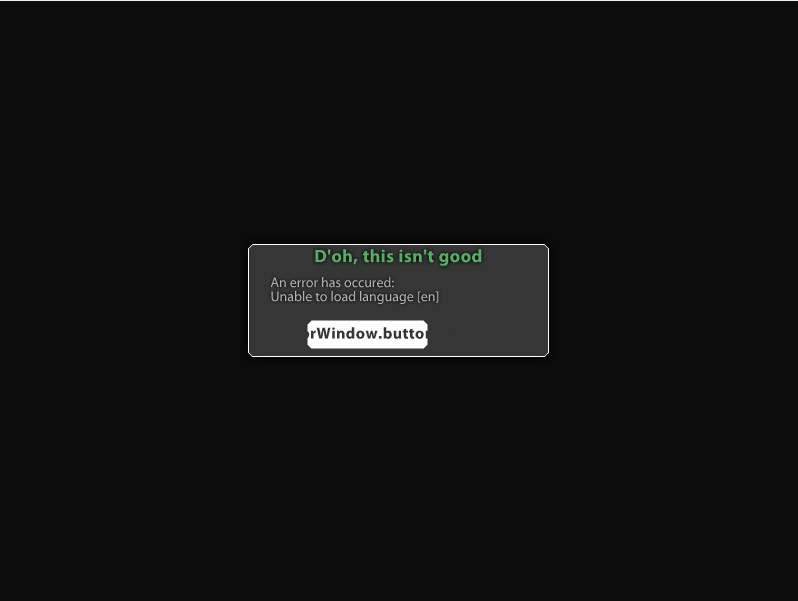
For whatever reason, I had this issue. Try building your solution with port 8080, then change it back to port 80 and see how things turn out. If this doesn't work, feel free to add me on skype.
Rip didn't work
Skype is Thebossankit
you could change the port so its connected to port 8888 or 8080...
Originally Posted by KiD_CuDi_
Rip didn't work
Skype is Thebossankit
I didnt read the last 20 replies so
Turn off Apache?
Originally Posted by Desire
I didnt read the last 20 replies so
Turn off Apache?
lel, he didnt have apache on
Originally Posted by DemonLives
Change The Server.cfg Not Program.cs Maybe That'll Help :O
:P
Side Note: DON'T CHANGE SERVER PORTS (FIGURE OUT WHAT PROGRAM IS USING PORT 80 FIRST AND EXIT THAT PROGRAM)
Exactly. Im trying to figure out what is using port 80 so I can run server.exe properly. For some reason I cant change what port it uses.
Close skype.
Originally Posted by Fox10
Close skype.
Are You Serious?
- - - Updated - - -
Originally Posted by KiD_CuDi_
Exactly. Im trying to figure out what is using port 80 so I can run server.exe properly. For some reason I cant change what port it uses.
Then Don't, Try Loging Off And Restarting Your PC Without Opening Anything....
If That Don't Work Then Its Something Deep In Your PC That's Using Port 80
Windows button + r then type "cmd" then press enter then type "netstat -o" and wait until a program has the PID 80 . Then go to your task manager and kill that process.
XAMPP is taking up my current port 80. How do I change the XAMPP port so that it is open for my server?
Originally Posted by KiD_CuDi_
XAMPP is taking up my current port 80. How do I change the XAMPP port so that it is open for my server?